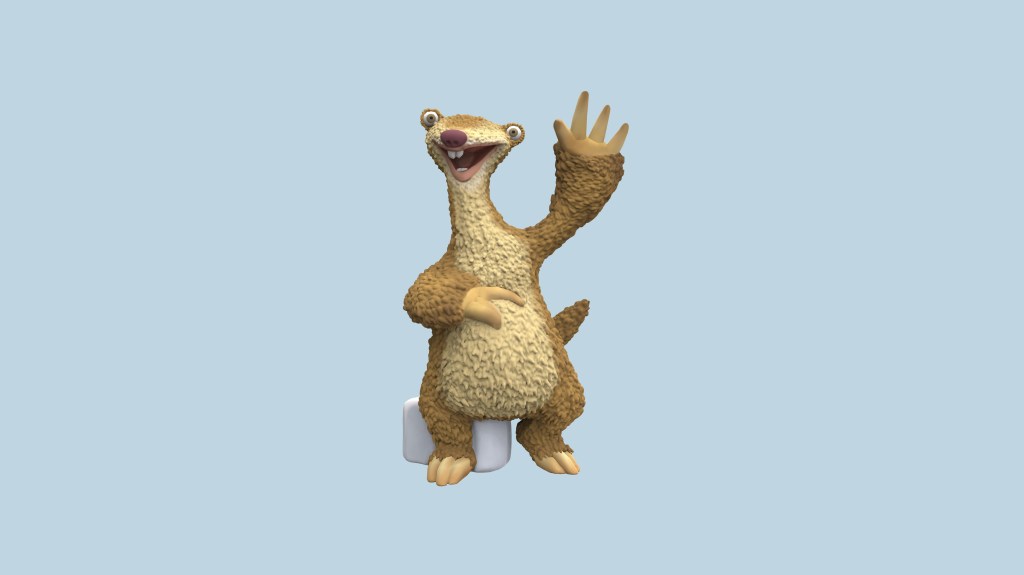
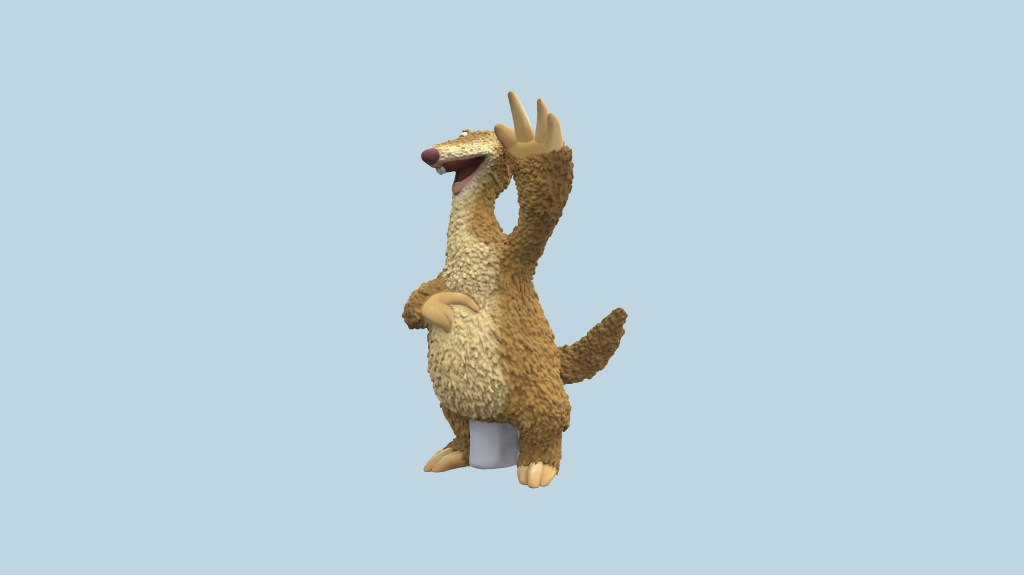
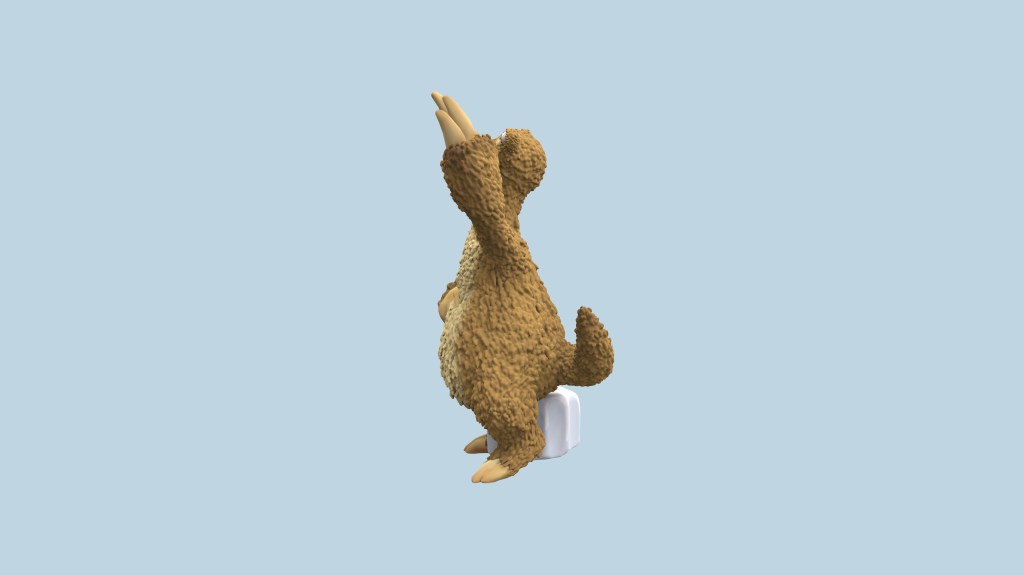
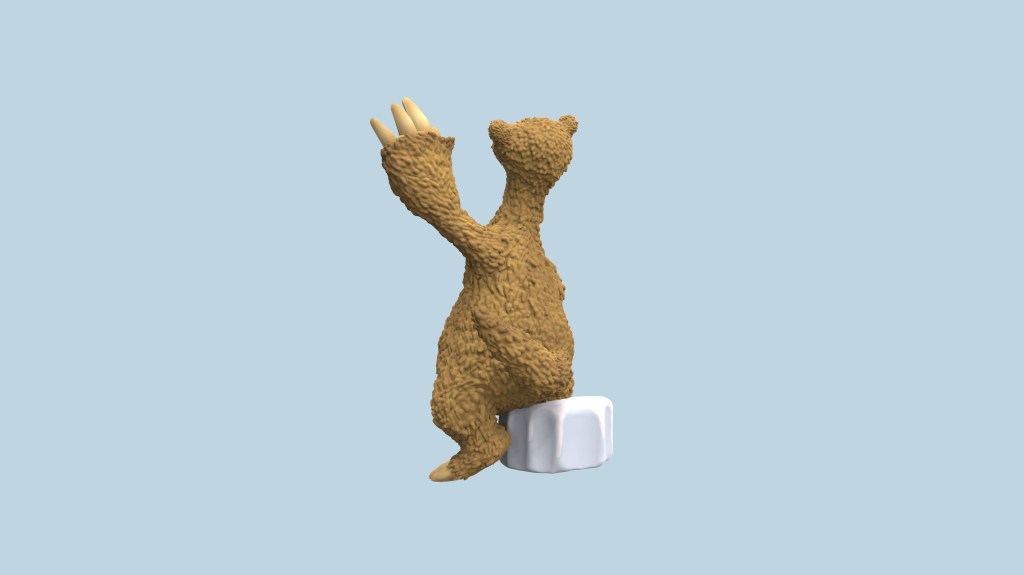
3D Design – Ice Age, Sid
This project represents a part of my current work at tonies GmbH, but is only fictional and will not be launched. It was my initial project to get used to the 3D program and to see whether I was able to sculpt different styles according to the many characters that the company launches. Obviously I was – I didn’t get the role otherwise!
Process
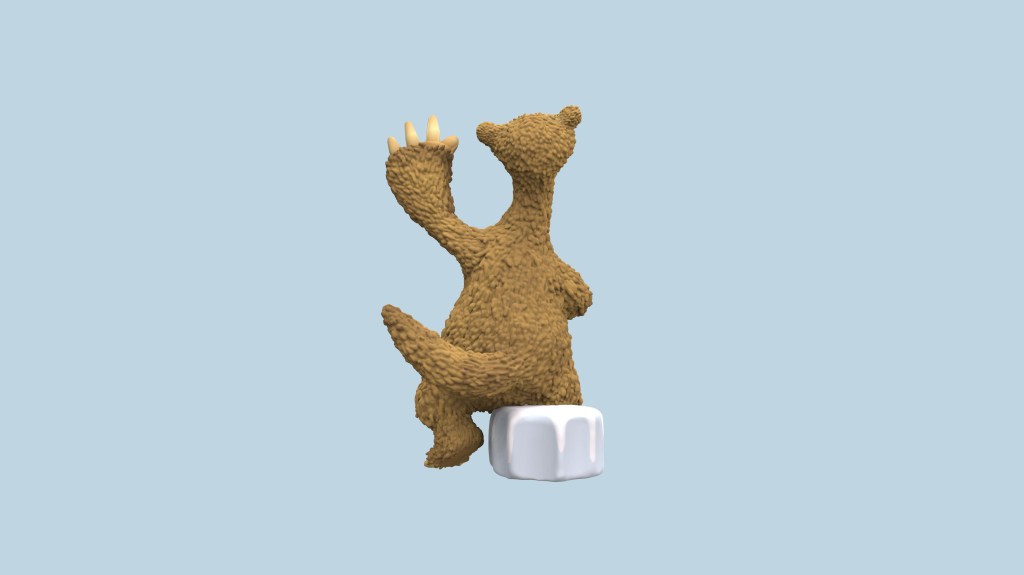
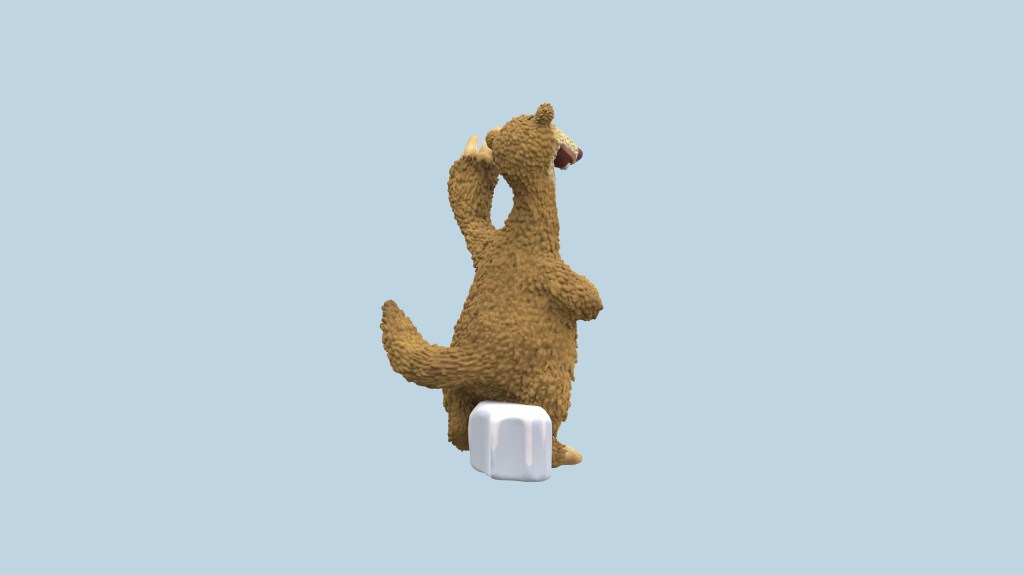
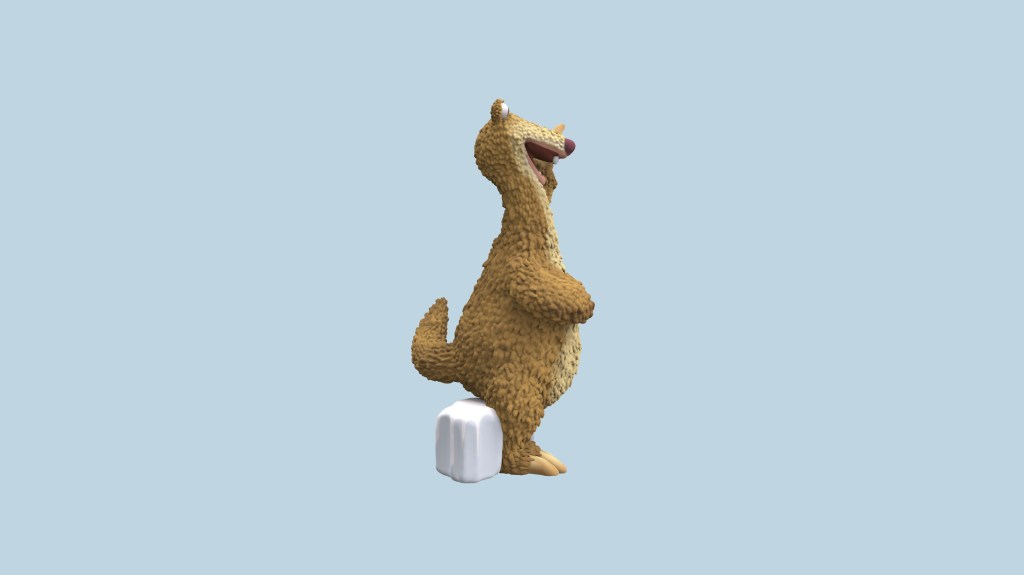
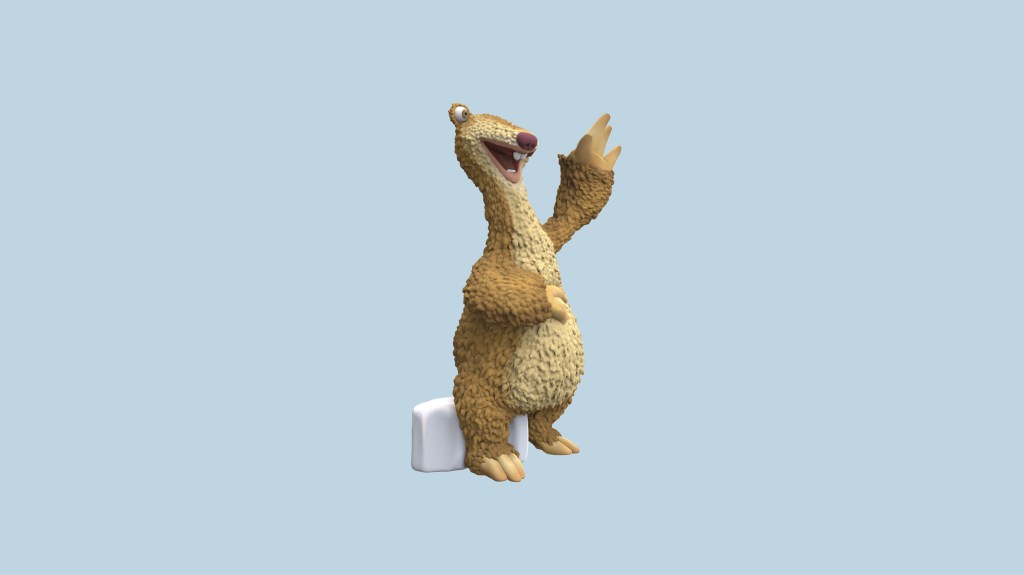
Above you can see the results of my project, but let me show you how I got there!
Step 1: Research
I started off with brainstorming which character I wanted to sculpt and decided to do Sid from Ice Age, as it was one of my favourite movies from childhood. And let’s be honest: Sid is the best character of them all! Afterwards I started researching images of Sid on the Internet. I looked for different poses and decided to go with the one shown above, for aesthetic and technical reasons.
Step 2: Sculpting
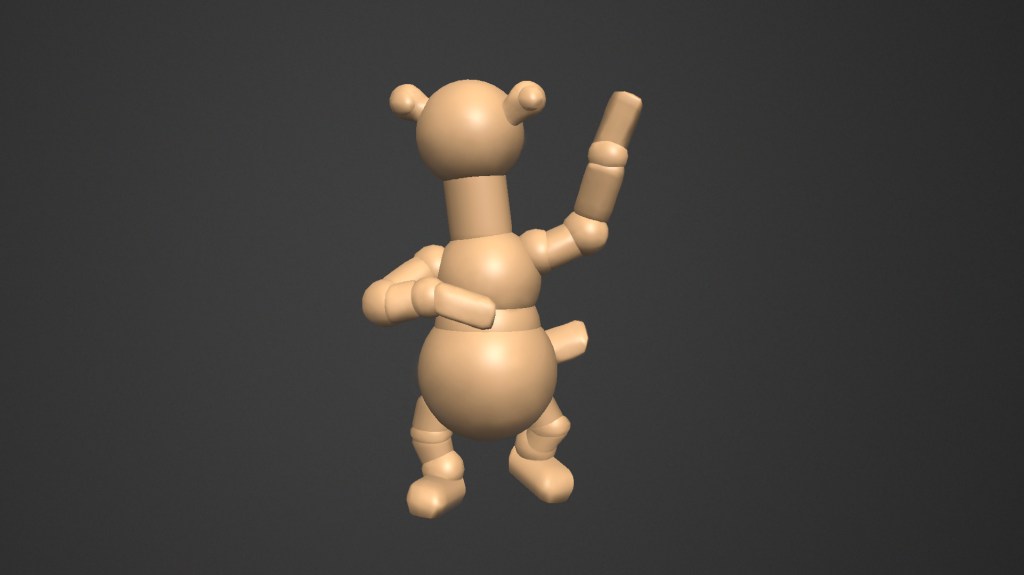
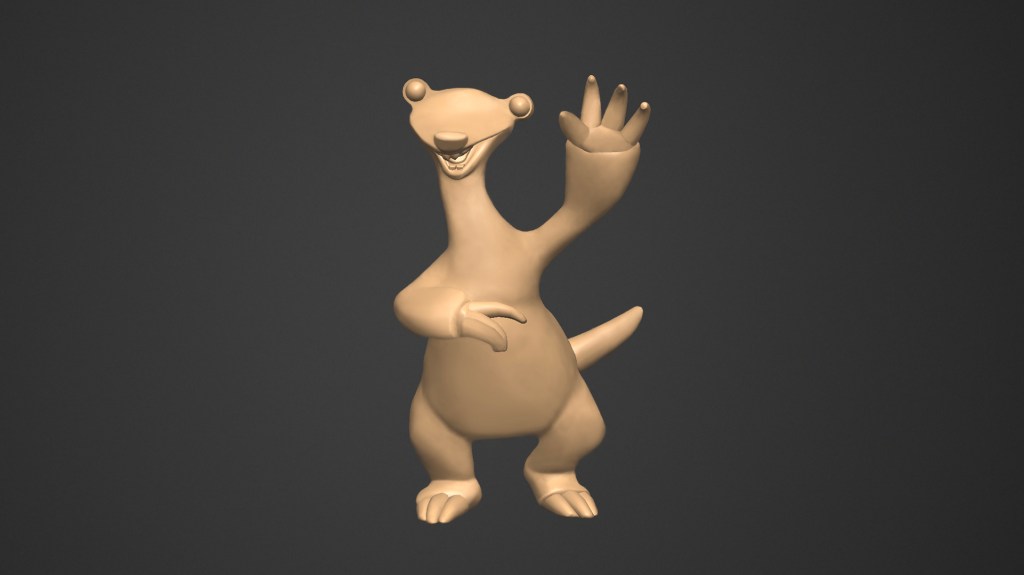
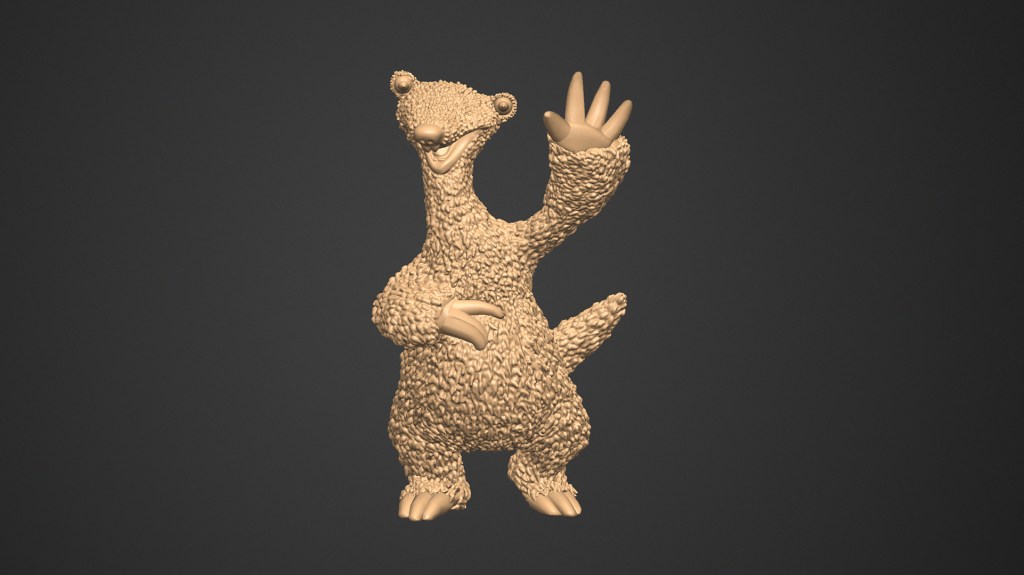
After I decided on the pose I wanted to do, I started sculpting. I opened the 3D program and started off with basic geometry, which I put together more and more until the shape looked like Sid from Ice Age. A little while later I had the rough figurine, so I sculpted the details, like the fur. In the next step I put different colours on the figurine according to the image I researched earlier. As a last step I made the rendering you can see above.
Step 3: 3D Print
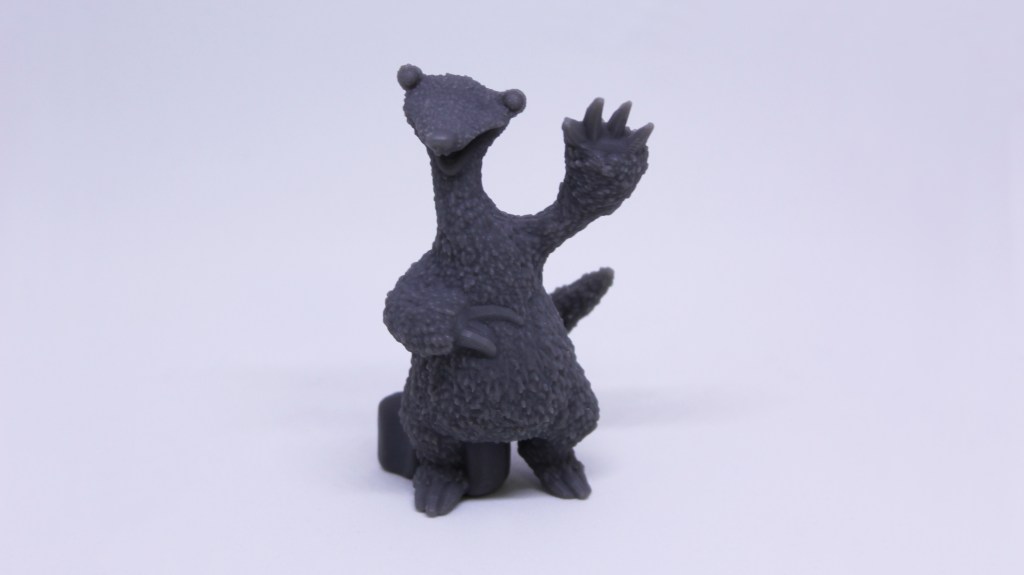
Once I finished sculpting I sent the 3D data to the 3D printer, which plotted my figurine overnight. The plotted model allowed me to check the overall size, proportions and depths of the details. With the gained knowledge from the plot, I proceeded to improve a few details in my 3D data.
After that was all done, I have successfully sculpted my first character, the one you can see on the top of this page! I hope you find it as cute and fun as I do!
Subject: 3D Design
Year: 2020
Supervision: tonies GmbH